3D Printing for Off-Grid Homesteads: Practical Repairs, Tools, and Open-Source Libraries for Resilient Communities
How off-grid communities can use 3D printers for repairs, tools, sensor mounts, archives, and open-source local manufacturing.

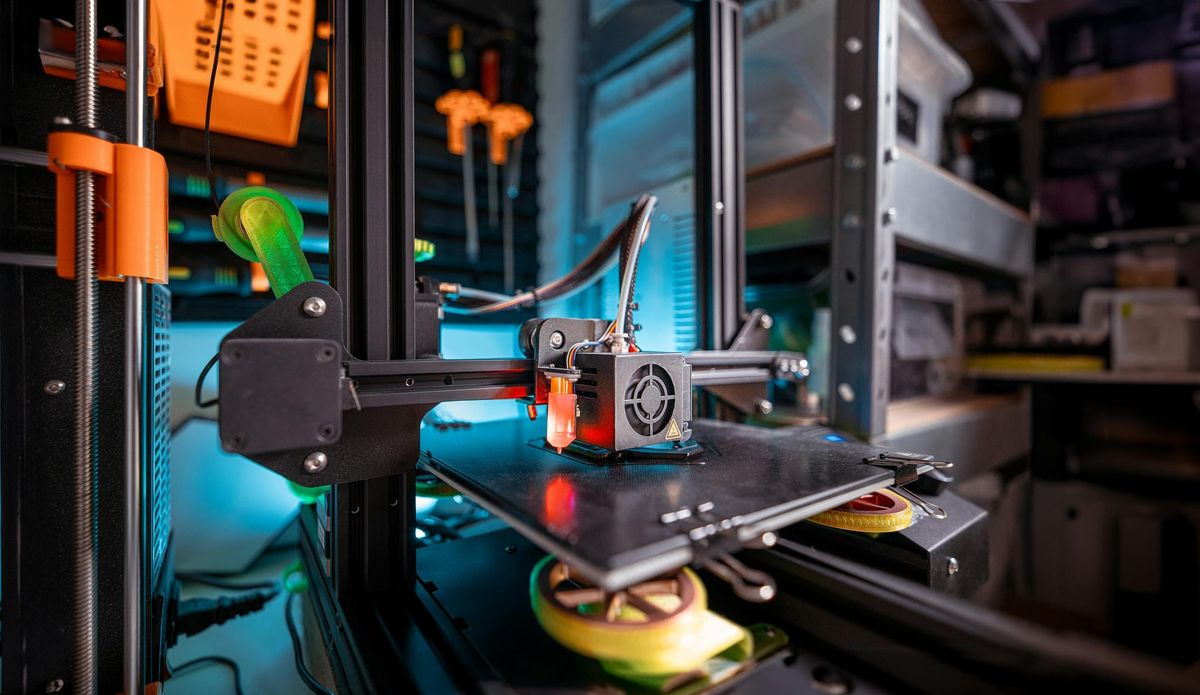
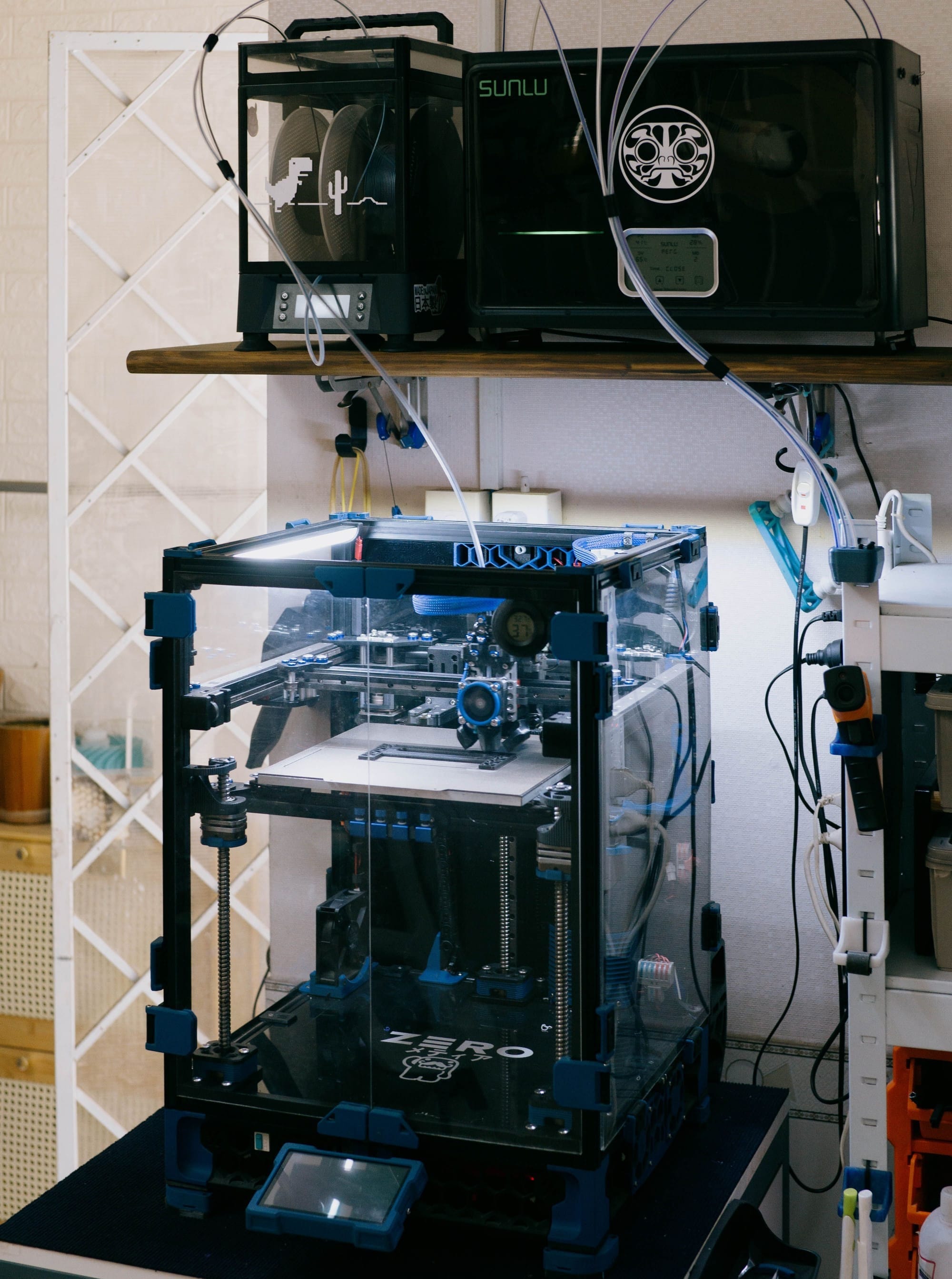
For an off-grid homestead, intentional community, eco-village, or techno-agricultural project, a 3D printer should not be viewed as a novelty machine for printing toys, trinkets, or gimmicks. Its real value is much more practical: it functions as a small-scale maintenance and prototyping tool that can reduce downtime, cut repeat purchases, and make a community less dependent on fragile retail supply chains.
The key advantage is not that a 3D printer can replace every object. It cannot. A printed basketball, shovel head, water tank, or structural beam would be a poor use of the technology compared to buying a normal manufactured item. The advantage is that many failures on a working homestead are small, specific, and annoying: a broken clip, a missing bracket, a sensor mount, a custom spacer, an irrigation adapter, a battery enclosure, a greenhouse latch, a jig for drilling repeated holes, or a replacement knob for an old tool. These are exactly the kinds of parts that can stop work for a day while costing only a few dollars in material to fabricate on site.
Introduction: 3D Printing as Practical Maintenance Infrastructure for Off-Grid Communities
For a small community, the economics improve further because the printer is not serving one household. It becomes shared infrastructure. One person may need a replacement part for a rainwater filter housing. Another may need custom seed-starting labels. Someone else may need a bracket for a solar charge controller, a mount for a LoRa sensor, or a jig for repeatable woodworking cuts. A single printer, a few spools of durable filament, and a modest inventory of nozzles, belts, bearings, and fasteners can support a broad range of maintenance tasks across the community.
The realistic framing is important. 3D printing should be treated as a way to manufacture custom plastic components, prototypes, fixtures, molds, housings, and adapters. It should not be treated as magic self-sufficiency. The strongest off-grid use case is hybrid fabrication: printed parts combined with normal screws, bolts, threaded inserts, metal rods, rubber washers, silicone sealant, wire mesh, tubing, glass jars, wood, aluminum extrusion, or salvaged hardware. In that role, a 3D printer becomes a bridge between digital design and physical repair.
Material selection matters. Cheap PLA is useful for indoor prototypes, labels, organizers, and temporary parts, but it is not the right default for outdoor homestead infrastructure. For practical use, PETG is often a better general-purpose material because it is relatively easy to print and suitable for many technical parts; Prusa’s material guide describes PETG as inexpensive, beginner-friendly, tough, and temperature resistant enough for technical components. ASA is a better candidate for outdoor parts exposed to sun, rain, and heat because it is known for UV and weather resistance. Nylon, polycarbonate, and filled composites can be useful for more demanding mechanical parts, though they require more experience, drier storage, better printer hardware, or an enclosure.
Open-source 3D printing also fits the philosophy of a resilient community. Projects like RepRap helped establish the idea of free, community-replicable desktop 3D printers, with many printer components themselves made from printed plastic parts. Voron provides open documentation for high-performance DIY printers, while Prusa Research publishes firmware, printable parts, and CAD resources for its ecosystem. These are useful starting points for communities that want repairability, modifiability, and long-term independence rather than a fully locked-down appliance.
Five High-Utility Items for an Off-Grid Homestead 3D Printer
1. Irrigation, water-system, and greenhouse fittings
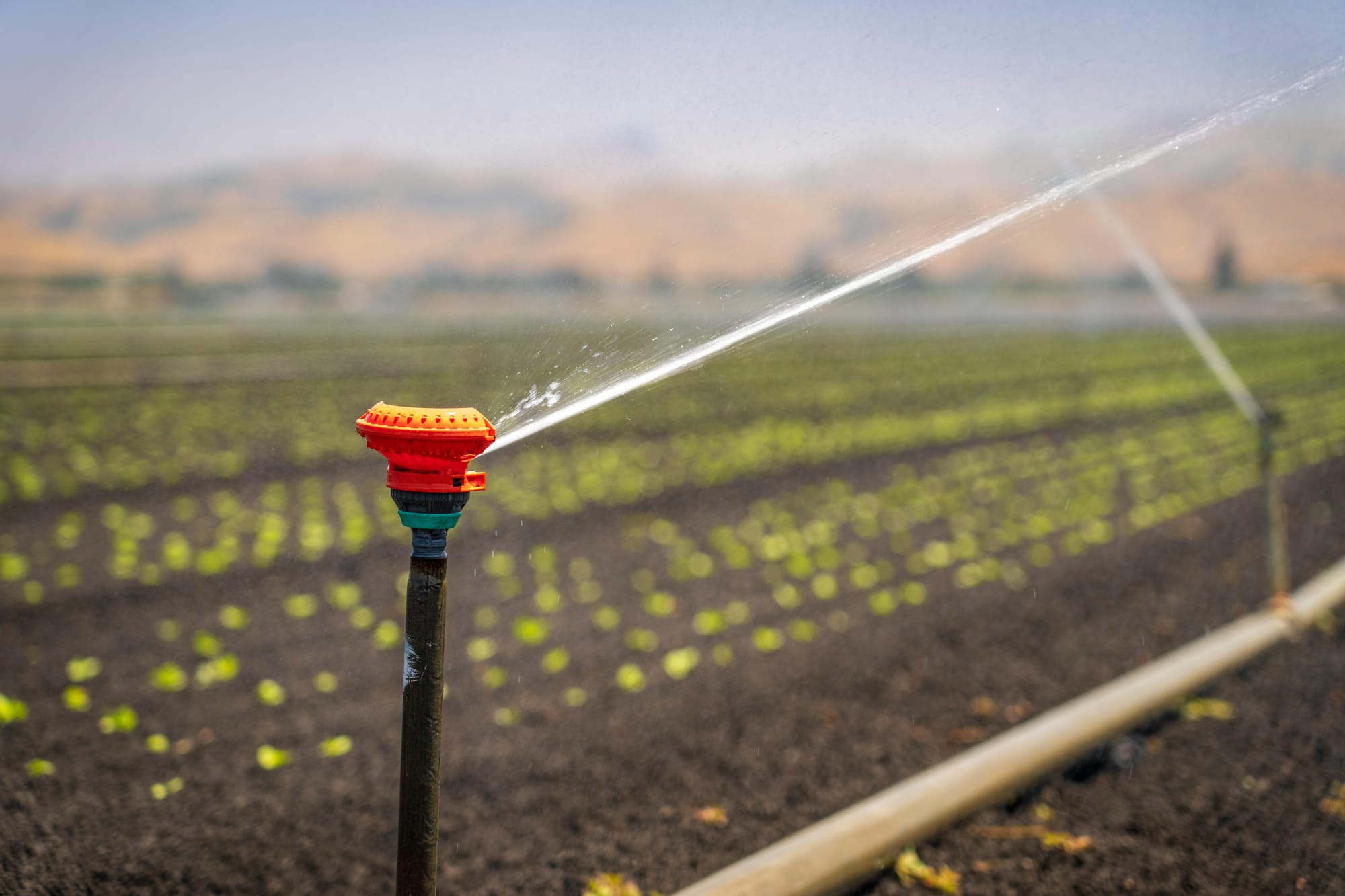
A 3D printer can be extremely useful for non-critical water and irrigation infrastructure: drip-line clips, hose guides, pipe spacers, sensor mounts, filter-wrench tools, valve tags, float-switch brackets, greenhouse mister holders, and custom adapters for low-pressure systems.
The key is restraint. A homestead should not rely on printed parts for high-pressure plumbing, potable-water safety-critical components, or anything where failure could flood a structure or contaminate drinking water. But for organizing, mounting, spacing, labeling, routing, and repairing low-pressure agricultural water systems, printed parts can be very useful.
Best materials: PETG for general irrigation-adjacent parts; ASA for outdoor UV exposure; TPU for flexible bumpers or protective sleeves, not critical seals.
2. Solar, battery, and low-voltage electrical mounts
Off-grid communities tend to accumulate charge controllers, inverters, battery monitors, fuse blocks, low-voltage lighting, pumps, sensors, radio equipment, and solar accessories. A 3D printer can produce custom DIN-rail adapters, cable clips, low-voltage junction-box organizers, weather shields, sensor brackets, wire labels, battery terminal covers, and wall-mounted enclosures for non-heat-critical electronics.
This can reduce the “mess factor” that slowly creeps into off-grid systems. Clean mounting and labeling can make maintenance easier, especially when multiple people use the same infrastructure. A printed bracket that keeps a wire strain-relieved or a controller properly mounted may prevent future troubleshooting headaches.
Best materials: PETG for indoor utility-room mounts; ASA for outdoor housings; avoid PLA near heat, direct sun, or electrical components that may warm up. For mains voltage, use certified commercial enclosures instead of improvised printed ones.
3. Tooling, jigs, templates, and repair fixtures
One of the most underrated uses of a 3D printer is not printing the final object, but printing the thing that helps you make the final object accurately. Homesteads constantly involve repeated small fabrication tasks: drilling matching holes, cutting consistent spacers, aligning hinges, marking pipe, routing cable, spacing seedlings, or repairing old equipment.
A printer can make drill guides, router templates, saw guides, clamp pads, sanding blocks, measuring gauges, dowel jigs, angle markers, and custom holders for awkward repair jobs. These are often better uses than printing finished consumer goods because they multiply the effectiveness of ordinary tools.
Best materials: PETG for general jigs; ASA for outdoor worksite tools; nylon or filled filament for higher-wear fixtures; use metal bushings or washers inside printed drill guides when repeated use would wear out plastic.
4. Replacement parts for legacy tools, appliances, and community equipment
Intentional communities often keep older equipment alive longer than the average suburban household. That can include fans, pumps, lamps, greenhouse vents, dehydrators, radios, seeders, hand tools, bike parts, cabinet hardware, and small appliances. The problem is that many failures are caused by one small plastic component: a knob, latch, clip, spacer, hinge insert, switch cover, fan shroud, belt guard, or missing foot.
A 3D printer is ideal for these awkward replacement parts, especially when the original part is discontinued, overpriced, or only available as part of a larger assembly. This is where 3D printing produces real savings: not by replacing a $5 mass-produced object, but by preventing a $70 tool, $200 appliance, or $500 subsystem from being discarded because of one broken plastic piece.
Best materials: PETG for most indoor replacement parts; ASA for outdoor equipment; nylon or polycarbonate for parts exposed to repeated mechanical stress. Do not print parts that must handle dangerous loads, combustion heat, pressure, or safety-critical failure modes unless properly engineered and tested.
5. Sensor housings and techno-agricultural monitoring infrastructure
For techno-agriculturalists, 3D printing becomes especially valuable when paired with low-cost electronics. Small farms and eco-villages may want to monitor soil moisture, greenhouse temperature, humidity, tank levels, pump status, compost temperature, weather data, hydroponic conditions, or battery-system performance. The electronics may be cheap, but mounting them cleanly in a wet, dirty, outdoor environment is often the hard part.
A printer can produce sensor stakes, protective housings, antenna mounts, enclosure brackets, rain shields, cable-routing clips, probe holders, and modular mounting plates. This helps turn scattered electronics into maintainable infrastructure. It also allows the community to iterate quickly: test a sensor placement, revise the mount, reprint it, and deploy a better version the same day.
Best materials: ASA for outdoor sun and weather exposure; PETG for protected greenhouse interiors; TPU for vibration dampening or protective bumpers. Use proper gaskets, cable glands, conformal coating, and commercial waterproof boxes when moisture protection truly matters.
Practical Rule of Thumb
The best homestead 3D printing projects are not the flashiest. They are the small, boring parts that keep larger systems running. Do not print what is already cheap, durable, and widely available. Print what is custom, discontinued, awkward, urgent, or locally specific. In that role, a 3D printer becomes less of a gadget and more of a village-scale repair tool: a compact digital workshop that helps an off-grid community keep water systems, greenhouse infrastructure, tools, sensors, and low-voltage systems operating with less dependence on outside supply chains.
Keep a Local Archive of 3D Files, Schematics, and Repair Documentation
A 3D printer is only as useful as the files, measurements, and design knowledge available to the people using it. For an off-grid community, it is wise to maintain a local digital archive of 3D models, blueprints, repair diagrams, open-source hardware plans, slicer profiles, material notes, and successful community-made designs.
This archive should be stored on-site, not only in the cloud. A small local server, rugged external drives, laptops, Raspberry Pi storage node, or offline network-attached storage system can preserve information long-term.
The point is not that the community will use every file. Most of the archive may sit untouched for years. That is acceptable. The value is in having a deep library available when a problem appears: a broken hinge, a missing adapter, a sensor housing, a greenhouse fitting, a tool handle, a jig, a water-system part, or a mechanical reference drawing. What seems irrelevant today may become useful to someone else five years later.
Ideally, the database should include thousands of files across categories such as agriculture, irrigation, electronics, renewable energy, workshop tooling, medical training aids, household repair, mechanical adapters, educational models, and open-source machine parts. Each file should be labeled clearly, backed up in multiple places, and paired with notes on material choice, print settings, strength limits, and whether the design has actually been tested.
In this sense, a 3D-printing archive becomes part of the community’s institutional memory. It is not just a folder of random models. It is a local manufacturing library: a practical reserve of design knowledge that future residents, technicians, builders, and repair-minded people can draw from long after the original uploader has moved on.
Reference Catalog: Open-Source 3D Printing, DIY, and Blueprint Libraries
A community 3D-printing archive should not start from zero. There are already large public libraries, open-hardware communities, and DIY documentation sites that can be mirrored, bookmarked, or selectively downloaded for long-term local access. The important caveat is that “free to download” does not always mean “open-source” or “commercially reusable.” Each model should be checked for its specific license before redistribution, resale, modification, or use in community products. The Open Source Hardware Association defines open-source hardware as hardware whose design is publicly available so anyone can study, modify, distribute, make, and sell the design or hardware based on it, but not every file on every 3D model website meets that standard.
For general 3D-printable models, Printables and Thingiverse are useful starting points. Printables hosts a large library of downloadable STL files and full 3D-printing projects, while Thingiverse describes itself as a community for open hardware with millions of downloadable 3D models for 3D printers, laser cutters, and CNC machines. These are useful for replacement parts, household organizers, workshop accessories, brackets, jigs, and homestead-adjacent designs, but the quality and licensing should be reviewed model by model.
For open-source printer hardware itself, RepRap, Voron Design, and Prusa’s open-source repositories are especially relevant. RepRap is historically important because it helped popularize the idea of self-replicating desktop 3D printers, with many printer components made from printed plastic parts. Voron’s documentation provides the information needed to build one of its printers from parts, while Prusa publishes open-source firmware and hardware resources through its ecosystem and GitHub repositories.
For broader open-hardware and appropriate-technology blueprints, Open Source Ecology and Appropedia fit the homestead/eco-village use case particularly well. Open Source Ecology’s Global Village Construction Set is framed around modular, DIY, low-cost blueprints for industrial machines needed by small communities, while Appropedia focuses on sustainability and appropriate technology, including technologies adapted to environmental, cultural, and economic context.
For project documentation, electronics, sensors, and experimental hardware, Hackaday.io, Wikifactory, GitHub, and Instructables are useful. Hackaday.io describes itself as a major repository of open hardware projects, Wikifactory focuses on open hardware knowledge and project documentation, GitHub repositories can store design files and revision history, and Instructables contains large numbers of step-by-step DIY guides, including 3D-printing and printer-building tutorials.
For biology, anatomy, training, and educational models, NIH 3D is worth archiving selectively. It is an open, community-driven portal for bioscientific and medical 3D models used for 3D printing and interactive visualization. For a homestead community, this would not replace medical supplies or professional care, but it could be useful for education, training, anatomy reference, classroom use, and science programming.
A practical community archive could also include open-source design tools alongside the files themselves. FreeCAD is an open-source parametric modeler intended for designing real objects, OpenSCAD is free software for script-based solid CAD modeling, and Blender is a free and open-source 3D creation suite. Keeping installers, manuals, tutorials, and project templates locally available is valuable because future residents may need to modify models rather than merely print them unchanged.
For search and discovery, Yeggi can be useful as a 3D-printing search engine because it indexes printable models from many websites and communities. However, it should be treated as a discovery tool rather than a trusted archive by itself: once a useful model is found, the community should save the original source page, license, author information, file package, slicer notes, and any later modifications in its own local database.
The best long-term practice is to organize these resources into categories such as irrigation, greenhouse systems, workshop jigs, renewable energy mounts, sensor housings, household repair, education, medical training, printer maintenance, electronics enclosures, and open-source machines. Each saved file should include the source, author, license, date downloaded, recommended material, print settings, strength limitations, and whether the community has tested it. That turns a pile of random STL files into a real local manufacturing library.
 John D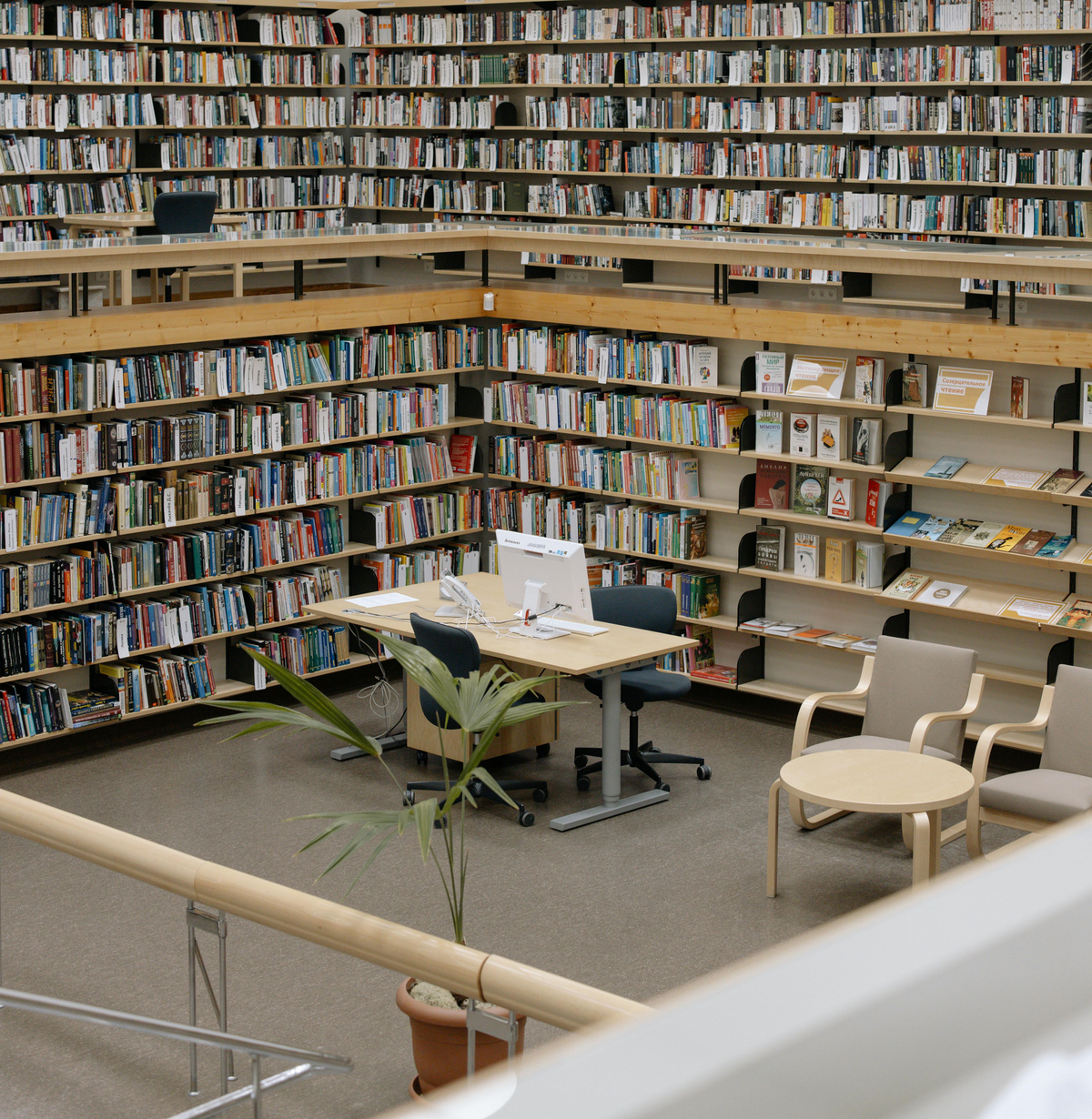
 John D
 John D
 John D
 John D
Appropedia. (n.d.). Appropedia: About. Retrieved May 28, 2026, from https://www.appropedia.org/Appropedia%3AAbout
Appropedia. (n.d.). Appropriate technology. Retrieved May 28, 2026, from https://www.appropedia.org/Appropriate_technology
Blender Foundation. (n.d.). Blender: The free and open source 3D creation suite. Retrieved May 28, 2026, from https://www.blender.org/
FreeCAD. (n.d.). FreeCAD: Your own 3D parametric modeler. Retrieved May 28, 2026, from https://www.freecad.org/
GitHub. (n.d.). GitHub: Change is constant. GitHub keeps you ahead. Retrieved May 28, 2026, from https://github.com/
Hackaday.io. (n.d.). Hackaday.io: The world’s largest collaborative hardware repository. Retrieved May 28, 2026, from https://hackaday.io/
Instructables. (n.d.). 3D printing projects. Retrieved May 28, 2026, from https://www.instructables.com/howto/3d+printing/
National Institutes of Health. (n.d.). NIH 3D. Retrieved May 28, 2026, from https://3d.nih.gov/
Open Source Ecology. (n.d.). Machines: Global Village Construction Set. Retrieved May 28, 2026, from https://www.opensourceecology.org/gvcs/
Open Source Ecology Wiki. (2026, May 15). Global Village Construction Set. Retrieved May 28, 2026, from https://wiki.opensourceecology.org/wiki/Global_Village_Construction_Set
Open Source Hardware Association. (n.d.). Open source hardware definition. Retrieved May 28, 2026, from https://oshwa.org/resources/open-source-hardware-definition/
OpenSCAD. (n.d.). OpenSCAD: The programmers solid 3D CAD modeller. Retrieved May 28, 2026, from https://openscad.org/
Printables. (n.d.). Printables.com: 3D models database. Retrieved May 28, 2026, from https://www.printables.com/
Prusa Research. (n.d.). ASA. Prusa Knowledge Base. Retrieved May 28, 2026, from https://help.prusa3d.com/article/asa_1809
Prusa Research. (n.d.). Open-source at Prusa Research. Retrieved May 28, 2026, from https://www.prusa3d.com/page/open-source-at-prusa-research_236812/
Prusa Research. (n.d.). PETG. Prusa Knowledge Base. Retrieved May 28, 2026, from https://help.prusa3d.com/article/petg_2059
RepRap. (2025, October 15). RepRap. Retrieved May 28, 2026, from https://reprap.org/
Thingiverse. (n.d.). Thingiverse: The community for open hardware. Retrieved May 28, 2026, from https://www.thingiverse.com/
VORON Design. (n.d.). Voron documentation. Retrieved May 28, 2026, from https://docs.vorondesign.com/
Wikifactory. (n.d.). Wikifactory. Retrieved May 28, 2026, from https://wikifactory.com/
Yeggi. (n.d.). Yeggi: 3D printer models search engine. Retrieved May 28, 2026, from https://www.yeggi.com/